Settings Remain Unchanged Since Deployment
MFA and conditional access cover only some users, while permissions and external sharing are not reviewed regularly.

DESKMATE SECURE / MICROSOFT 365
For small and midsize businesses already using Microsoft 365 and looking to strengthen security. We assess your current settings and provide ongoing security operations in line with standard operating criteria.
COMMON CHALLENGES
Even when the necessary features are available, they cannot provide adequate protection without a team and processes for ongoing configuration, monitoring, and review.
MFA and conditional access cover only some users, while permissions and external sharing are not reviewed regularly.
There is no clear view of managed devices or patch status, and no one is assigned to review and respond to security notifications.
When business partners or insurers ask about your security controls, you may be unable to provide documented evidence or measurable results.
SERVICE OVERVIEW
We assess your current environment, then configure and maintain it in line with Advange's standard operating criteria. We establish security operations that do not depend on individual staff, without requiring you to hire additional specialists.
Note: Available features depend on your current licence plan. We confirm availability during the assessment and advise on upgrades or additional licences where necessary.

ONGOING SECURITY MANAGEMENT
We track operational status using consistent metrics to identify risks and outstanding items. The results can also support management reporting and security questionnaires from business partners.
Continuously review identities, devices, alerts, and configuration status.
Assess issues and respond or escalate based on priority.
Analyze trends to inform configuration changes and operational improvements.
We use a consistent monthly format to show current status and improvement trends and to identify the next actions.
01 Executive Summary: Monthly highlights, number of cases handled, and overall assessment
02 Identity Status: MFA coverage, suspicious sign-ins, and access status
03 Device Status: Enrolled devices, compliance rate, and patch coverage
04 Response Summary: Alerts, inquiries, and a breakdown by priority
05 Recommended Actions: Improvements for the following month
FREE ASSESSMENT
We conduct a brief, read-only assessment of your Microsoft 365 environment and report on its current maturity and priority areas for improvement.
IMPLEMENTATION
After reviewing your current settings, we proceed in stages through standard operations design, configuration, and the start of operations.
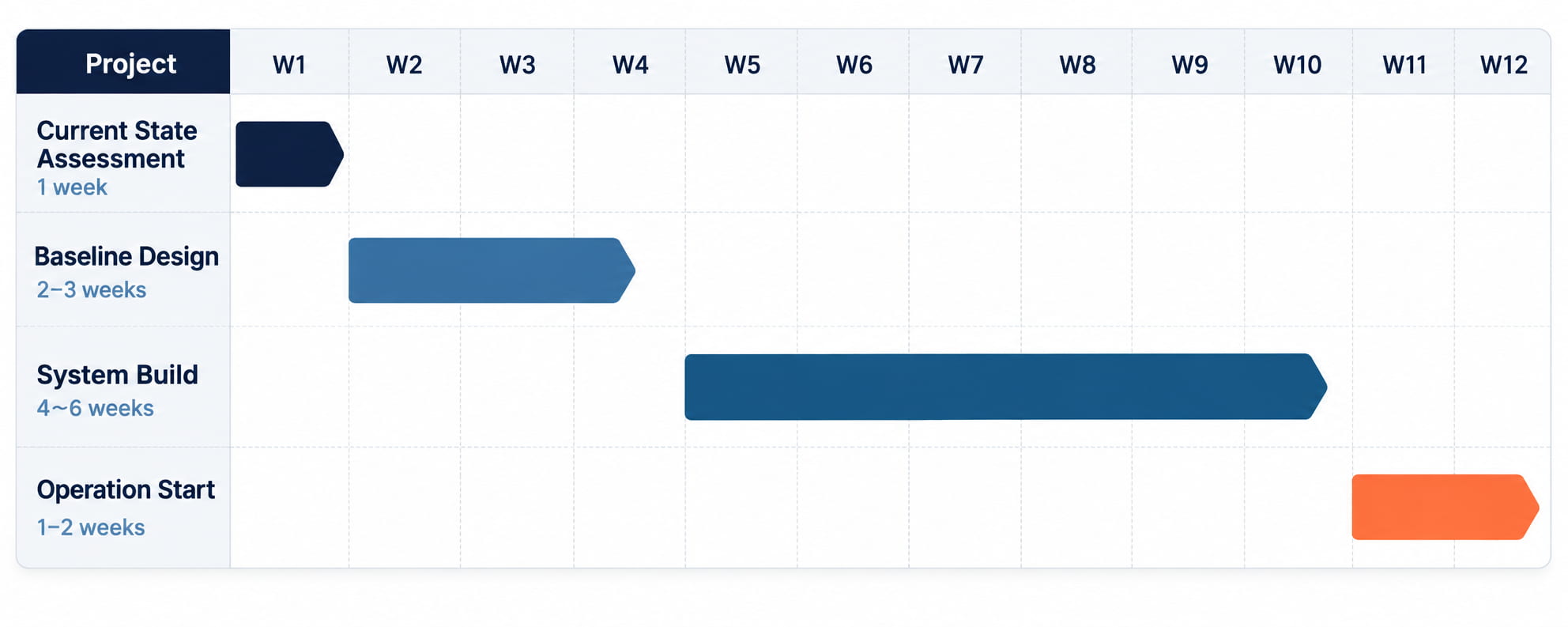
Implementation is generally performed remotely and in stages to limit business disruption. The timeline varies depending on the number of users and devices, existing settings, and licensing.
Answers to common questions about DeskMate Secure assessments, implementation, and ongoing operations.
Yes. We review your existing Microsoft 365 environment and gradually establish security settings and an operating structure using the features available under your current licenses.
We conduct a brief, read-only assessment of your Microsoft 365 environment and report on operational maturity, outstanding security settings, prioritized risks and an improvement sequence, and available features.
The typical implementation period is approximately 8–12 weeks. We proceed in stages through current-state assessment, standard operations design, configuration, and the start of operations. The timeline varies depending on the number of users and devices and your existing settings.
We continuously review identities, devices, Microsoft 365 settings, and security alerts. Support also includes initial analysis, inquiry handling, monthly reports, regular reviews, and improvement recommendations.
Yes. We establish security operations in line with Advange's standard operating criteria that do not depend on individual staff, without requiring you to hire additional specialists. Ongoing support is generally provided remotely.
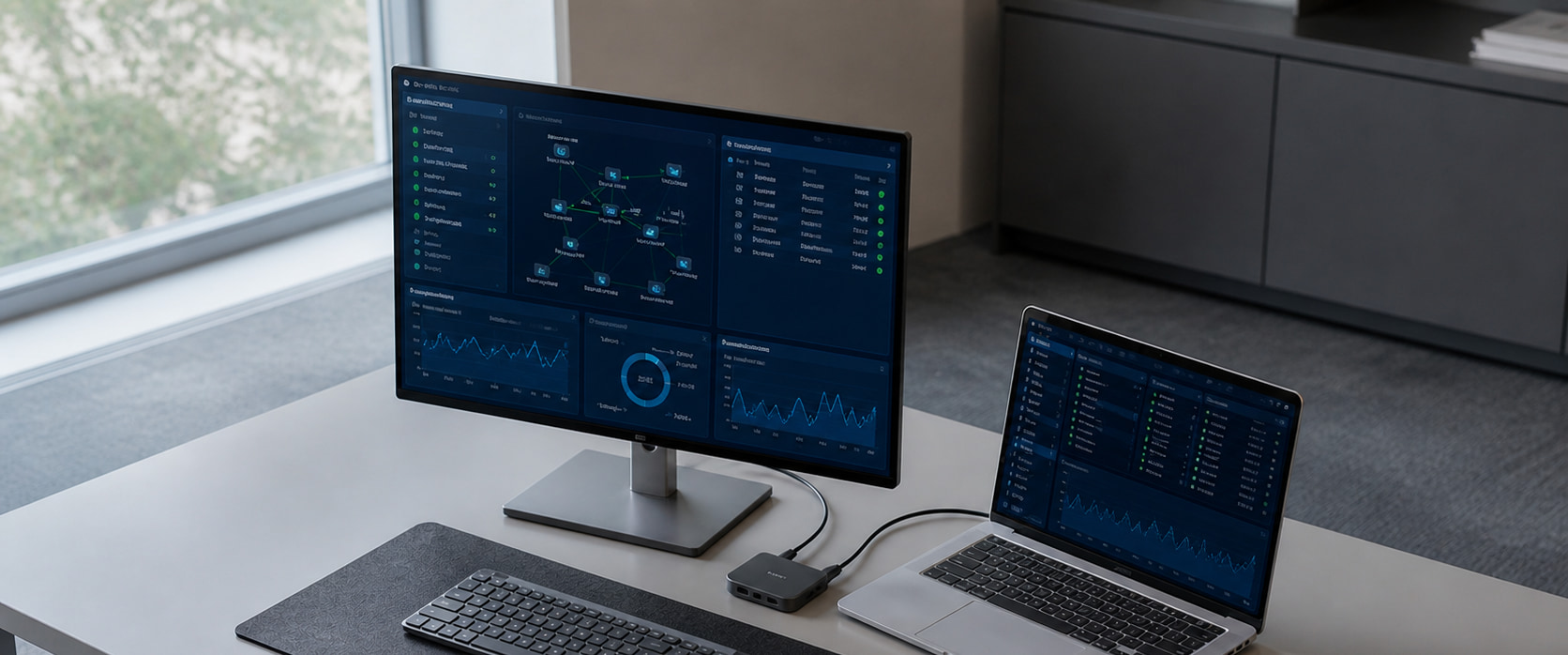
We review your existing Microsoft 365 environment and challenges, then report on improvement priorities.