
Time-consuming reviews
Teams export lists from admin consoles, compare them with HR information, and manually copy the results.

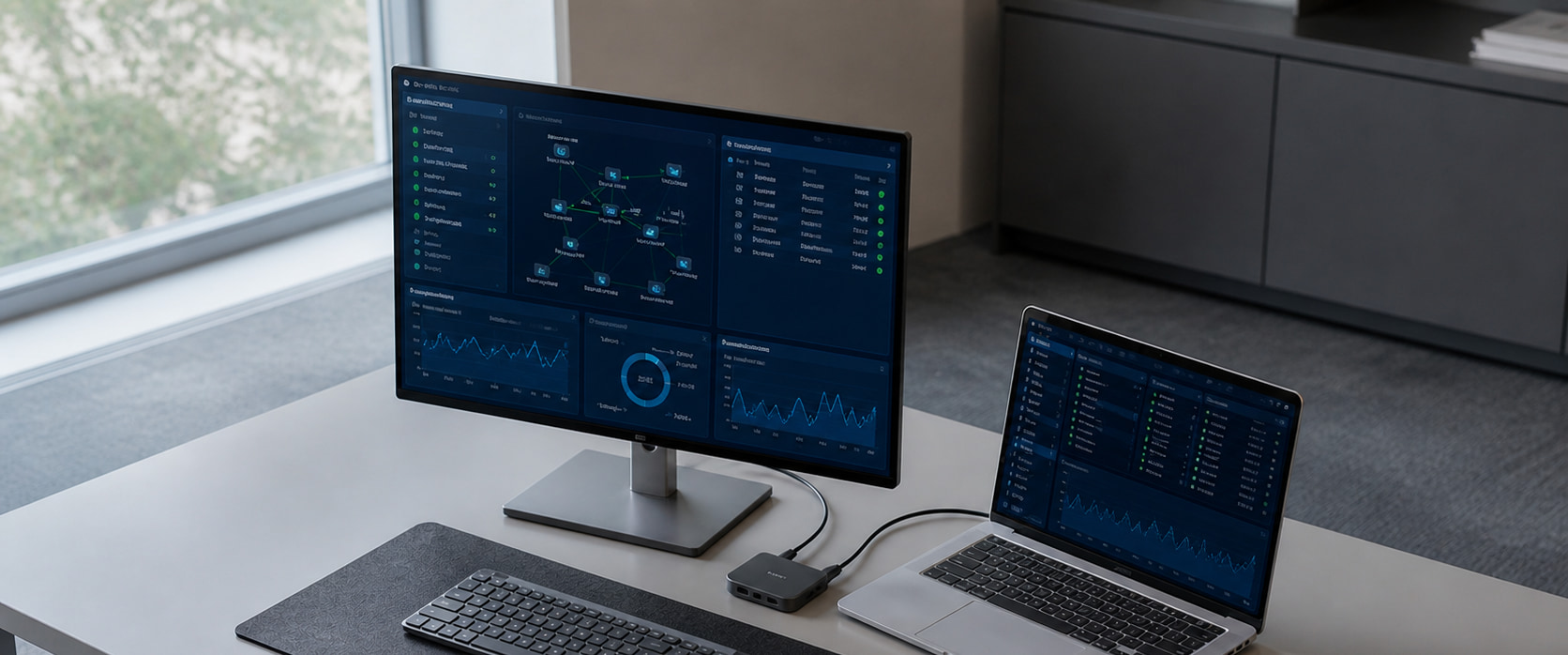
Using the Microsoft Graph API and Power Automate, we automate the collection of assignment data, usage checks, approvals, licence reclamation, and reporting. This supports continuous optimization within your Microsoft 365 environment without adding another management product.
COMMON CHALLENGES
Usage changes with every new hire, transfer, leave of absence, departure, and project completion, widening the gap between contracted quantities and actual needs. License optimization means building an ongoing process for assignment and reclamation, beyond a one-time reduction.
Teams export lists from admin consoles, compare them with HR information, and manually copy the results.
Users and contracts may change during data collection, so the findings can be outdated by the time they are reviewed.
Licenses are not reviewed after departures, leave, or transfers, and contract costs continue.
Disconnected requests, approvals, and configuration steps involve multiple staff before users can get started.
HOW IT WORKS
We follow your rules for review and approval before removing licenses.
STEP 01 Collect information: Obtain the user attributes, license assignments, usage data, and other information needed for decisions.
STEP 02 Identify candidates: Identify assignments for review based on inactivity periods, department, employment status, target products, and other criteria.
STEP 03 Review and approve: Notify the user or administrator and record the decision to retain, change, or reclaim the license.
STEP 04 Assign, reclaim, and report: Act on approved decisions and report execution results, errors, and potential reductions.

SERVICE SCOPE
Start with reviews only, notifications of reclamation candidates, or automated actions after approval. Progress in stages according to risk and internal rules.
Review contracts, assignments, usage, request and approval workflows, and management records.
Define inactivity criteria, confirmation methods, exclusions, approvers, and the scope of automated actions.
Link assignments for new hires, transfers, and requests with user attributes and approval outcomes.
Automate candidate identification, usage confirmation, approval, reclamation, and result notification.
Regularly provide visibility into contracts, assignments, candidates, action results, exceptions, and errors.
Review rules, workflows, notifications, and exceptions as organizations change and products are added.
IMPLEMENTATION
Begin with candidate identification and notification. After validating the results, expand the scope gradually before introducing automatic licence reclamation.
Review target licenses, user information, current workflows, permissions, and exceptions.
Design selection criteria, notifications, approvals, actions, error handling, and audit records.
Configure Graph API and Power Automate, then test normal and exception scenarios on a limited scope.
Hand over operating procedures and continuously improve conditions and workflows based on operational results.
WHY ADVANGE
Design around the relationships among licenses, Entra ID, requests, endpoints, and operational records.
Automate safely with user confirmation, approvals, exclusions, reassignment, and error handling.
Maintain and improve workflows as organizations, licenses, and usage rules change.
Answers to common questions about Microsoft 365 license optimization and operations automation support.
We review assignments, usage history, and user attributes, then identify candidates using criteria defined in advance.
We confirm with the user or administrator and change or reclaim licenses only after approval.
Generally, no. We use the existing Microsoft 365 environment, Graph API, and Power Automate.
Yes. Assignments can be changed or reclaimed according to user attributes and approval outcomes.
Yes. We record notifications, responses, approvals, changes, and reclamations, and make them available in reports.
Tell us about your current subscriptions, assignments, usage, and license review process.
We will define what can be automated and how to proceed safely.